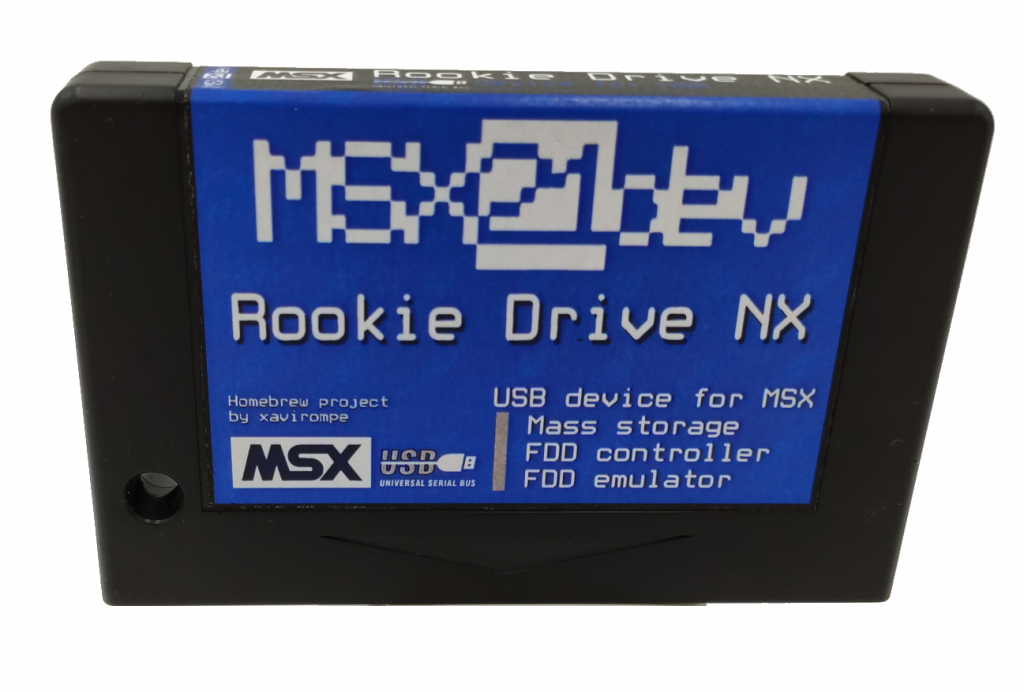
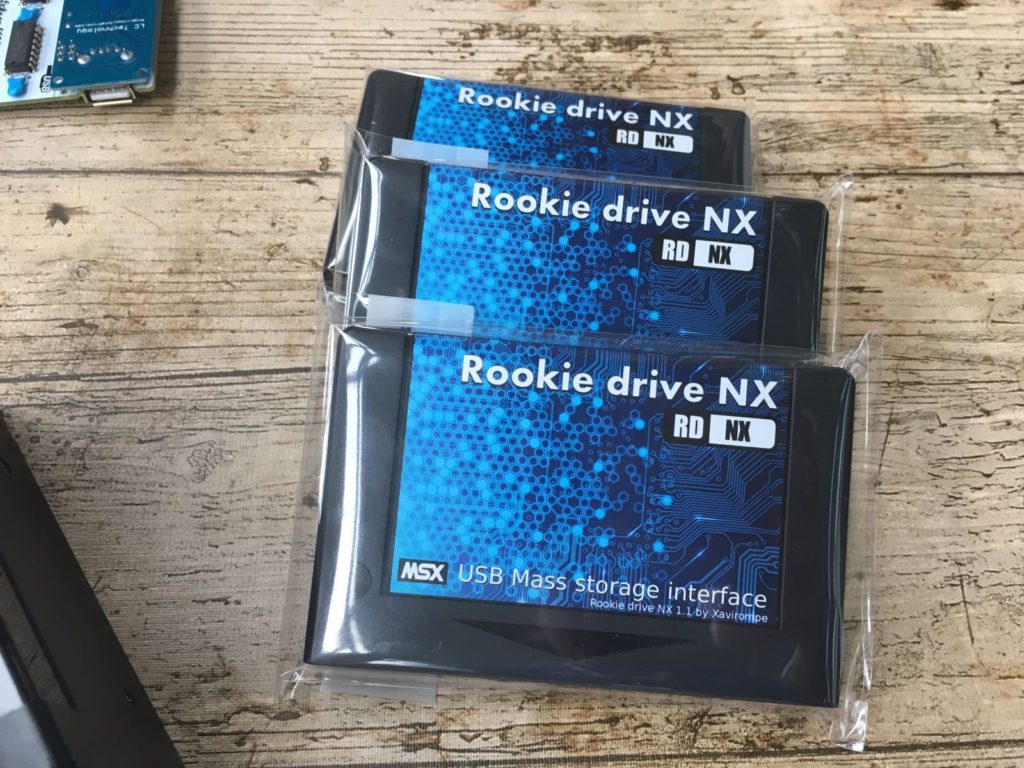
I’m pleased to present the new firmware for my Rookie Drive NX storage cartridge. (v 20260211)
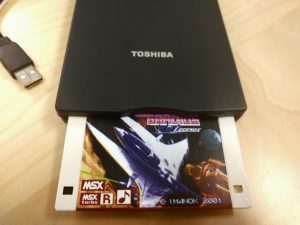
The old floppy disk emulator.
In this new version, the floppy disk emulator has been removed, but don’t worry, because the new USB floppy drive driver already includes a new floppy disk emulator. So what? I don’t understand anything!!! Let me explain:
USB FDD Driver 2.1.1 – New Floppy Disk Emulator
Konamiman has improved its USB floppy drive driver, and one of the improvements is the creation of an excellent floppy disk emulator. This emulator allows you to mount floppy disk images without having to type anything. Through a simple menu, you can select the disk image you want to use. Fantastic!!!
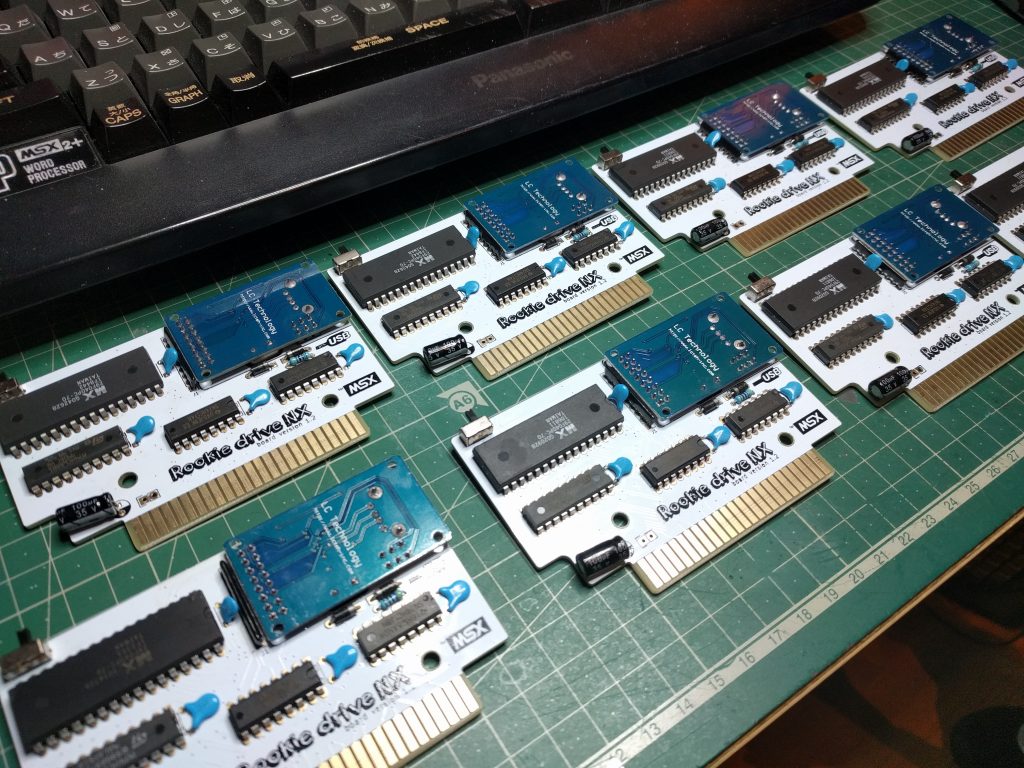
Another change that users will surely welcome is the addition of an activity LED in the latest Rookie Drive cartridges. Previously, this LED only worked under Nextor, which was, shall we say, somewhat absurd. This behavior has been modified, and now the LED illuminates according to the disk activity taking place.
New BASIC commands for the new floppy disk emulator (F1 or call USBHELP)
_USBRESET - Re-initialize device
FDD device only:
_USBERROR - Show last ASC/ASCQ error
Storage device only:
_USBMENU - Show file navigation menu
_USBCD - Show current dir
_USBCD("dir/dir") - Change dir, rel
_USBCD("/dir/dir") - Change dir, abs
_USBFILES - List files in curr dir
_USBMOUNT - Show mounted file name
_USBMOUNT("file.ext") - Mount file
_USBMOUNT(-1) - Unmount file
_USBMOUNT(0) - Mount default file
_USBMOUNT(n) - Mount nth file, 1-255
_USBMOUNTR(...) - Mount and reset
_USBFDDMODE(n) - n=0: normal, 1/2: force 1DD/2DD mode